ENERGY STAR checklist
Fill the National Rater Field Checklist item by item, attach photos, note what the builder must fix, and export the official EPA form.
1. Turn it on for the project
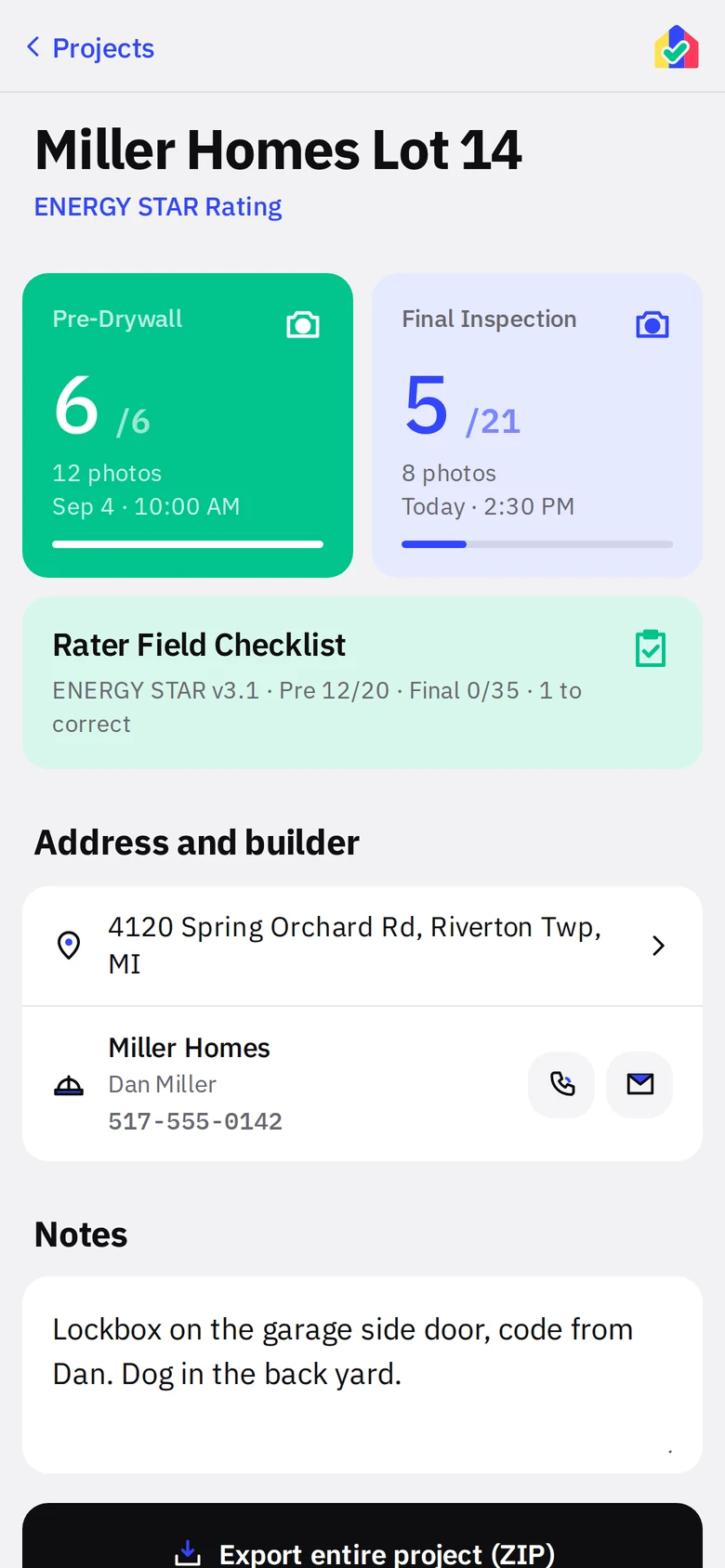
Check ENERGY STAR Job on the New Project form, or later under Edit details. The project screen gains a green Rater Field Checklist tile and each stage wall gains an ENERGY STAR Requirements group of photo tiles.
2. Fill it in
Open the checklist from the project tile. Pick the program version (3.1 or 3.2) and the stage. Items are numbered and worded as on the EPA form. Tap a box to set it, tap again to clear it. Only the boxes the form allows for each item are enabled.
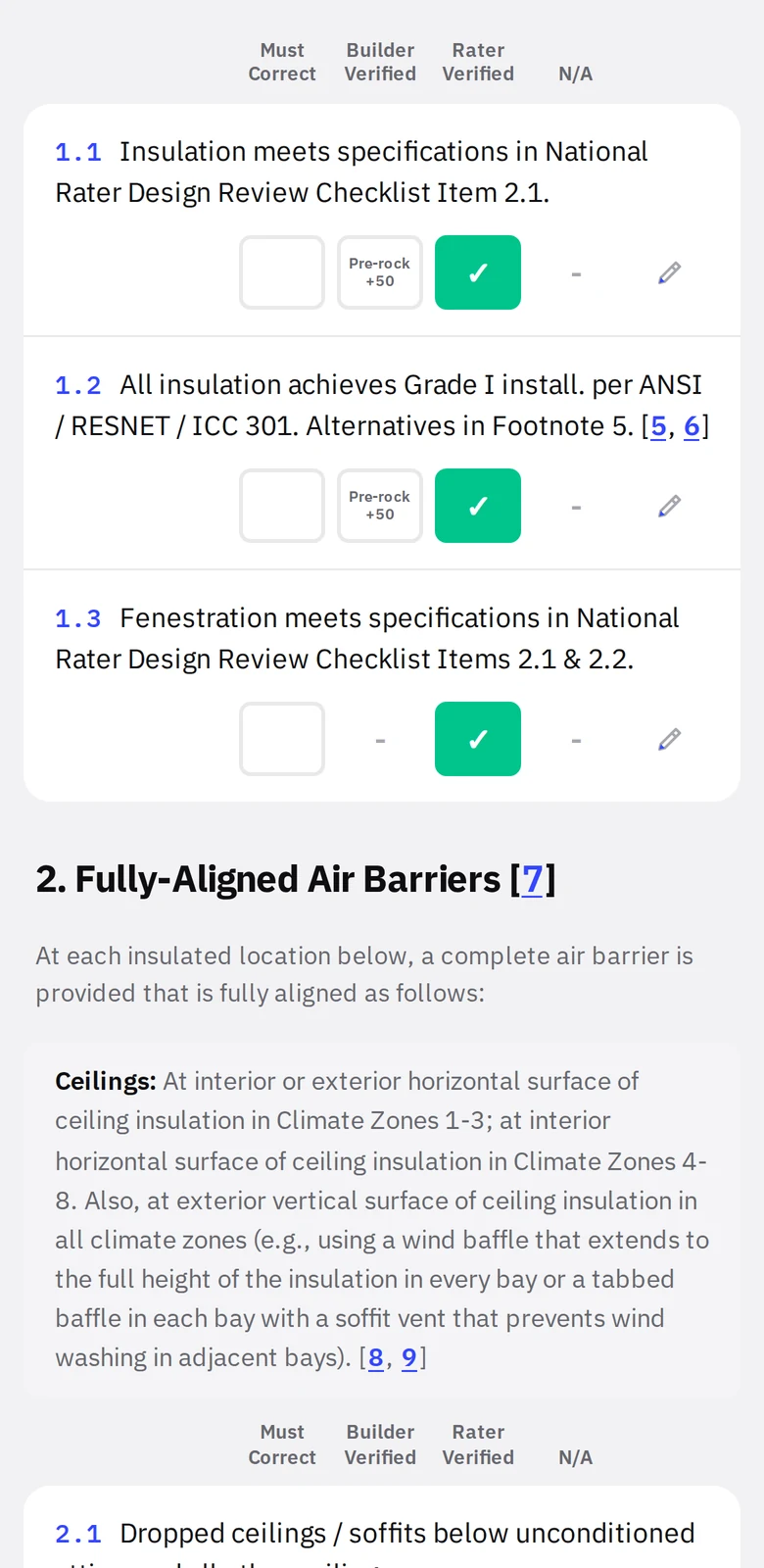
- 1ColumnsMust Correct, Builder Verified, Rater Verified, N/A.
- 2Builder Verified allowanceThe form’s limit for that item, printed under the box.
- 3ItemNumber, text, and the footnote references in brackets.
Must Correct
Mark an item Must Correct and it turns red, counts as open on the project tile, and gets a note field. Write what the builder needs to do. Change the box when it is fixed.
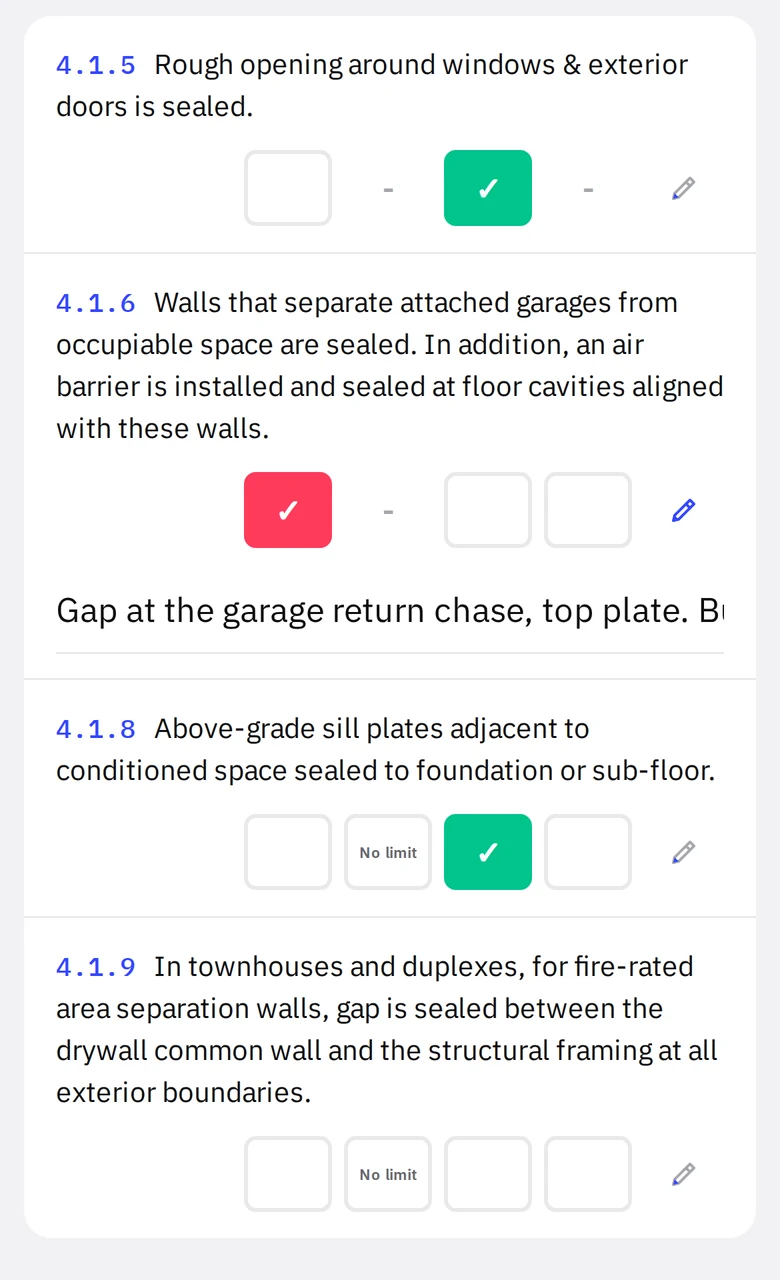
- 1Must CorrectredOpen until changed.
- 2NotePrints with the export.
3. Attach photos
Items with a camera have a tile on the stage wall under ENERGY STAR Requirements. Shoot there like any measure. Or open the item’s tile and use Use a photo from this project to attach a photo you already took on a regular measure, so the rim joist shot counts for the rim joist and for item 2.7 without taking it twice.
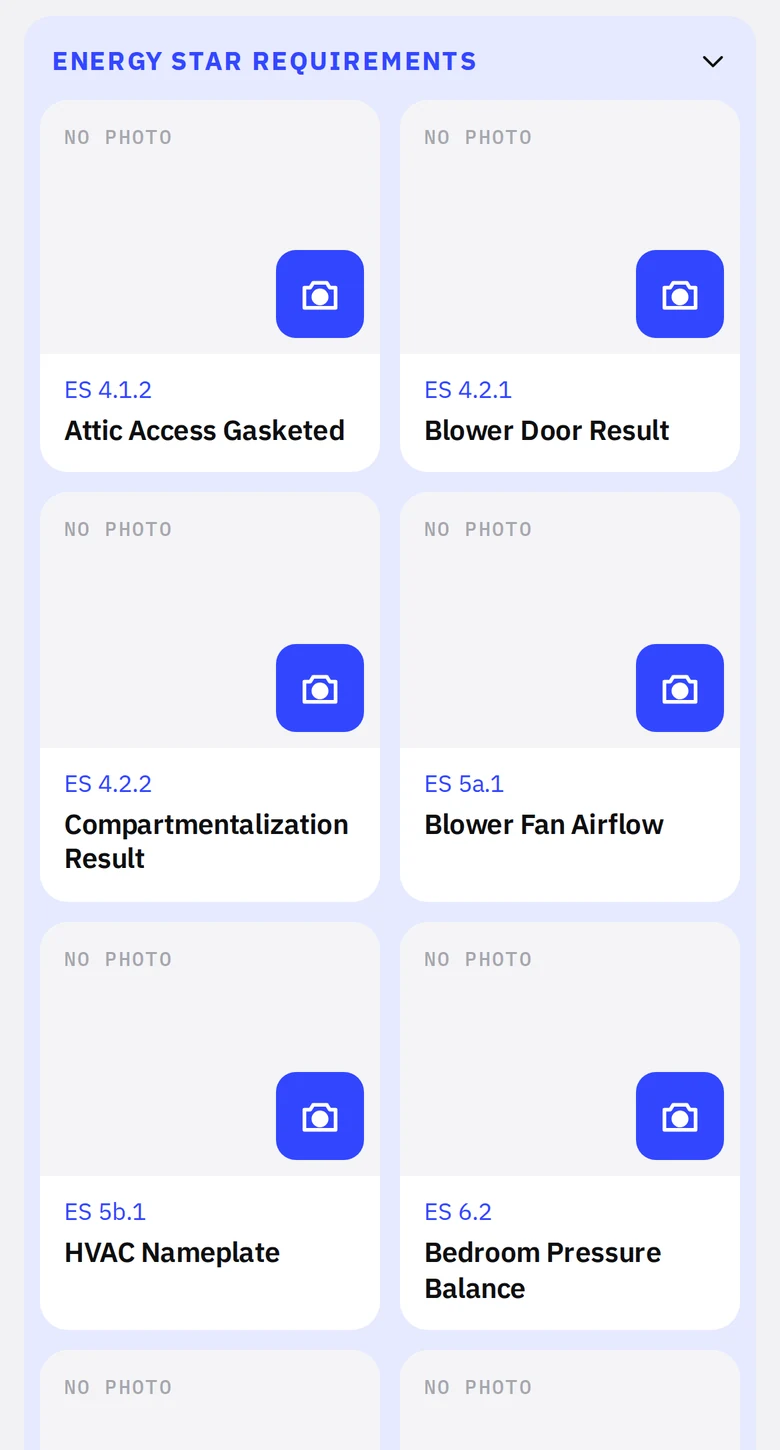
- 1ENERGY STAR RequirementsIts own group at the end of the wall.
- 2Item tileLabeled by item number. Shoot from the blue camera or attach an existing photo.
4. Export the official form
At the bottom of the checklist, Export official checklist (PDF) fills the actual EPA PDF form with your boxes, address, permit date and notes. Set the permit date at the top of the checklist first; it prints on the form. The footnotes are one tap further down if you need to cite one.