Settings reference
Every setting, top to bottom, and what it changes.
Measure lists
The lists new projects start from. Picker, New (Energy rating, One visit or Two visits), Duplicate, Primary (and Rename, Delete on custom lists), a Visits row on visits lists, a stage toggle when there are two, the rows, and Add. Reset built-in lists to defaults restores the shipped Default list. Full walkthrough in Custom measure lists.
Help
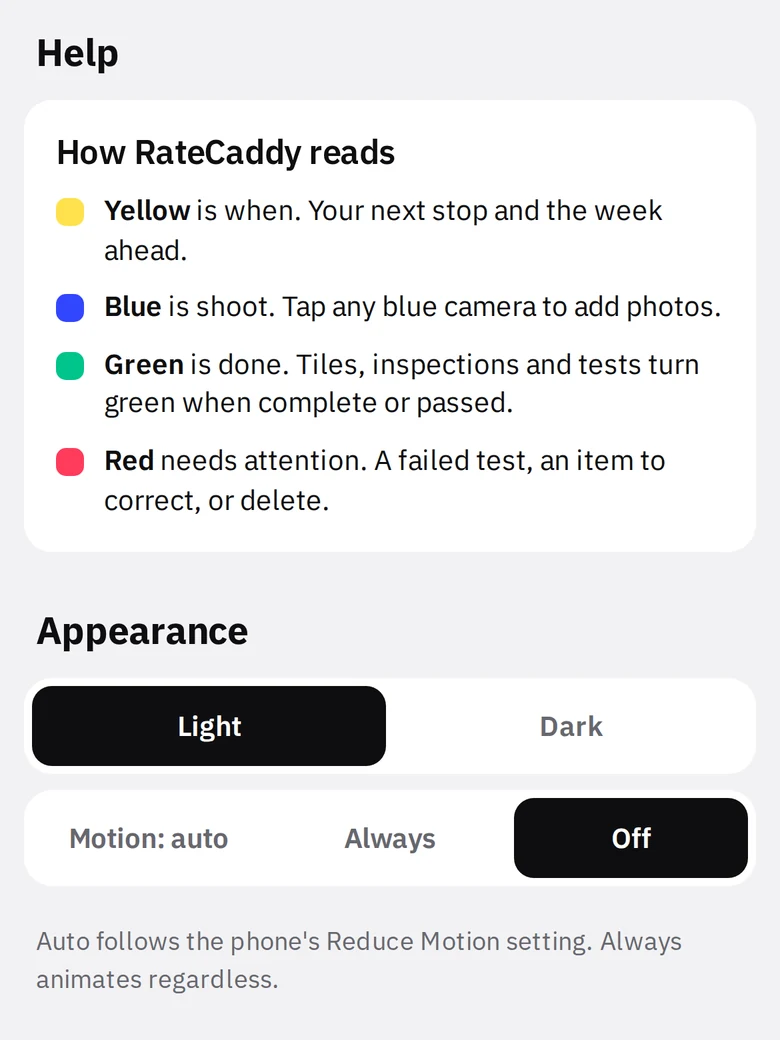
The How RateCaddy reads card, permanently. Yellow is when, blue is shoot, green is done, red needs attention.
Appearance
- Light / Dark. Same layout and color grammar; the dark theme uses deeper tints and lighter accents. The black readouts stay black in both.
- Motion: auto / Always / Off. Auto follows the phone’s Reduce Motion setting. Motion is content only: screens rise in, numbers count up, the next-shoot camera pulses, the house slides to the corner. Nothing moves behind the page.
- 1Themeblack
- 2Motion
Weather
Off / Show weather at the next stop. Turning on shows the data disclosure and asks. The blue question mark opens the icon key. Details in Schedule, Up Next and weather.
Code requirements
The default code for new tests: a name, maximum ACH50, five duct leakage lines as percent of floor area, and optional flat CFM25 minimums. Fresh installs start on ENERGY STAR v3.1. Details in Blower door and duct tests.
Report info
Company, address, phone, email, rater name, credential line, contact line, initials. Printed on every PDF. Add company logo (PNG) replaces the RateCaddy header on reports.
Backup
Back up all data (ZIP) and Restore from a backup ZIP. Details in Backup and restore.
Subscription
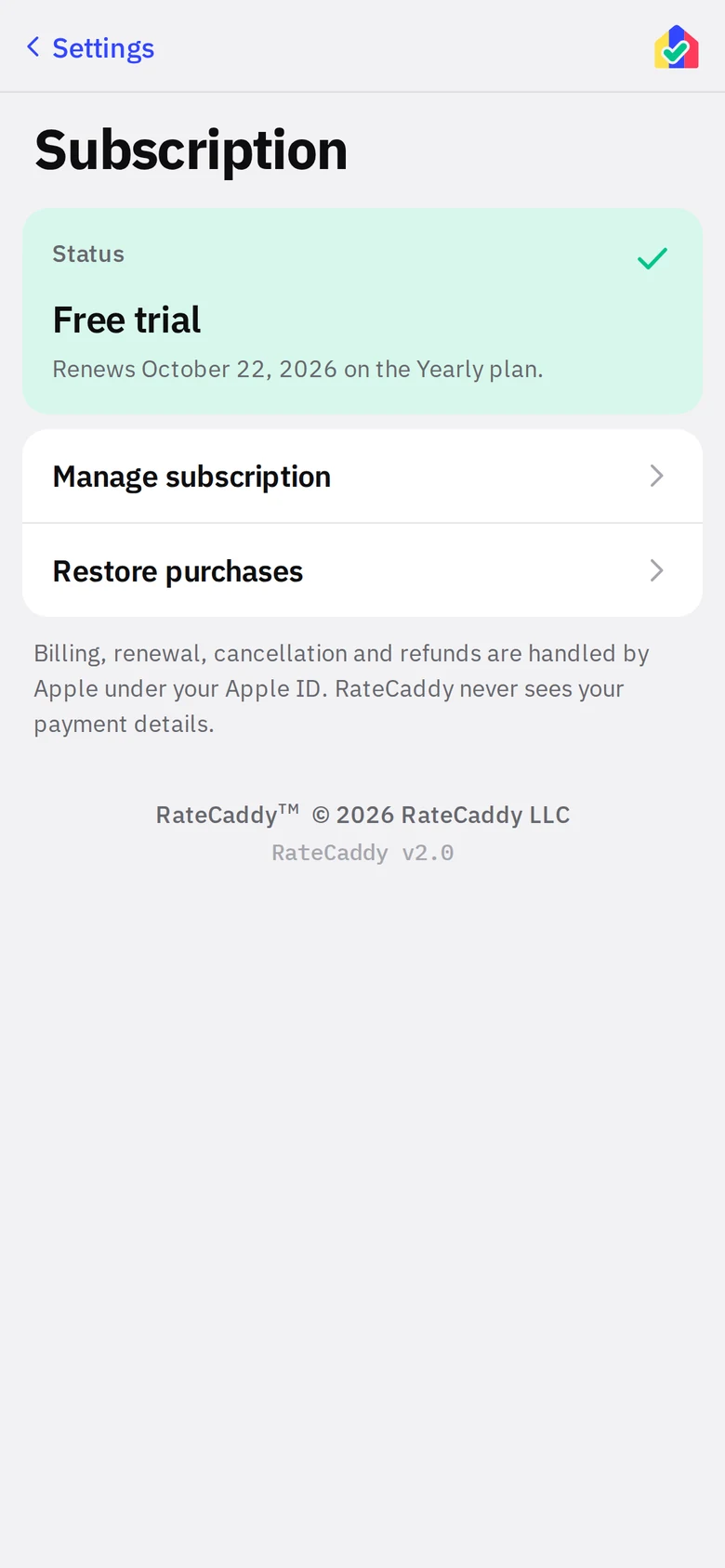
Status (Free trial, Monthly plan or Yearly plan, with the renewal date), Manage subscription (opens your App Store or Google Play subscription settings to change plan or cancel) and Restore purchases (new phone or reinstall). Billing is entirely through the store; RateCaddy never sees payment details.
Legal
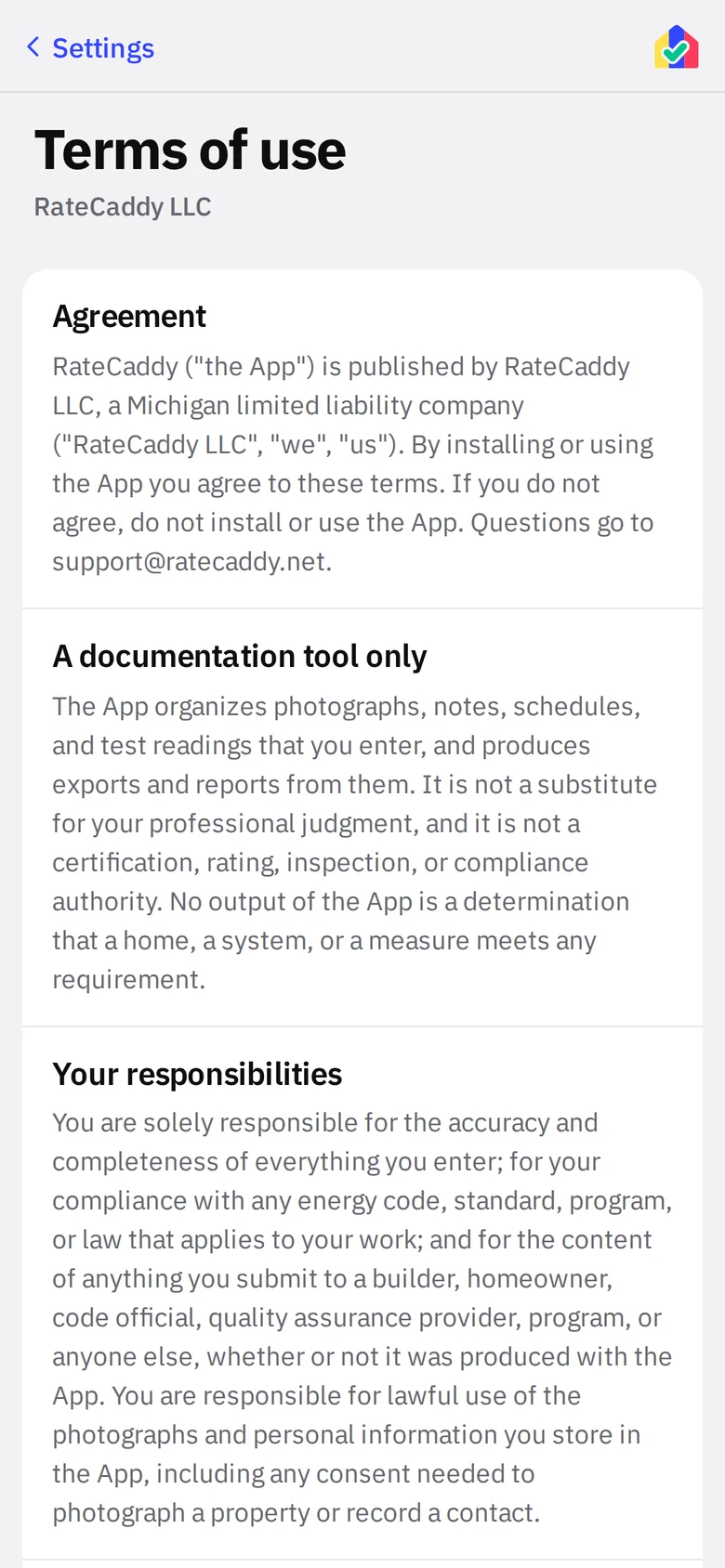
Terms of use, Privacy policy, Disclaimers, and Open-source licenses and data sources (jsPDF, JSZip, pdf-lib, IBM Plex; National Weather Service, OpenStreetMap, U.S. EPA). All readable offline, and identical to the terms, privacy policy, disclaimers and licenses on this site. The publisher line (RateCaddy LLC) and the version number are at the very bottom; include the version when you email support@ratecaddy.net.